
A cat for your Mac
A stray has found your screen.
It doesn't want anything from you, and it doesn't trust you. Whether that changes is up to the two of you.
Desklings is a Mac app. Open this page on your Mac to bring the cat home.
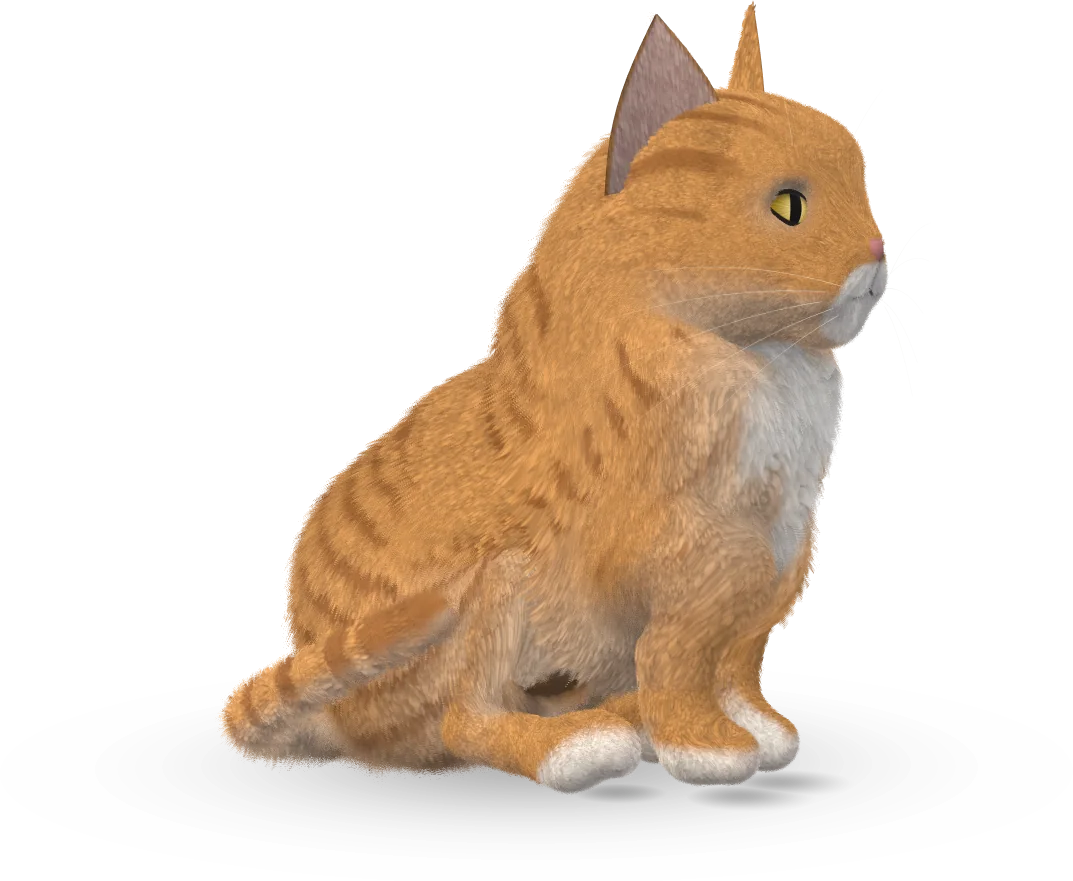
A life of its own
There's nothing to look after.
It gets tired, hungry, restless, curious and lonely, and it deals with those itself. It comes and goes as it likes, and nothing goes wrong if you ignore it.
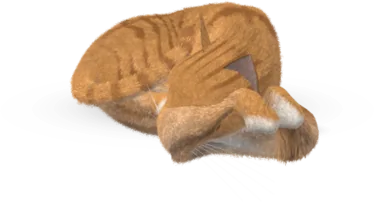
Tired
Picks a spot and sleeps it off.
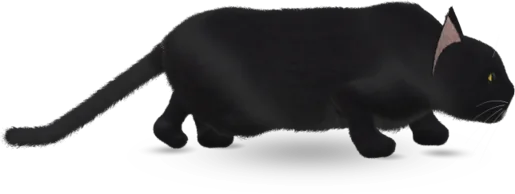
Hunting
Stalks flies across your desktop.
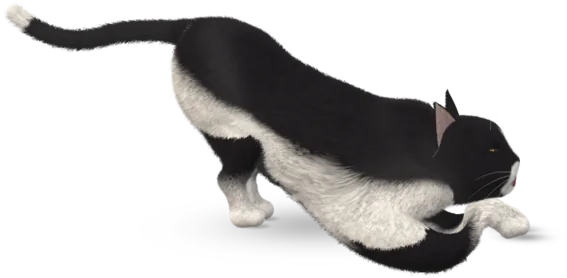
Restless
Stretches, then tears around the screen.

Curious
From Regular on, it explores your windows and rides along when you drag them.
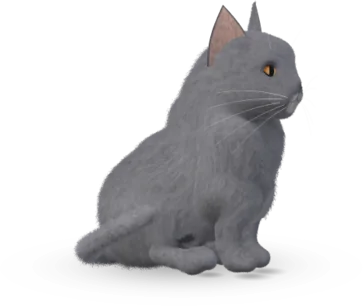
Lonely
Comes and asks. Silently if you're typing, and never during a call.
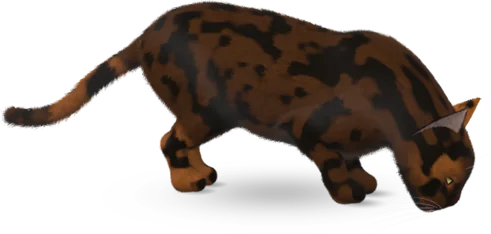
Hungry
Sniffs first. It has two foods it loves and two it won't touch.
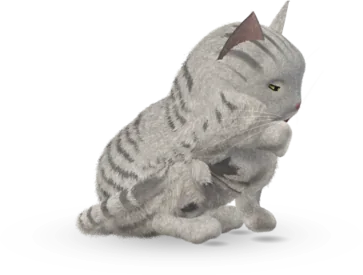
Fussy
Has its own views on heights, and on your music.
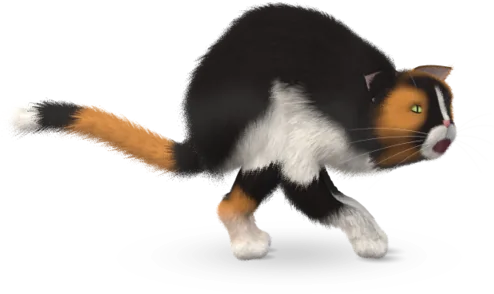
Cross
Fling the cursor past its face and it'll hold that against you.
Every cat on this page is the real one, drawn by the app itself.
Things to share
Food, toys, and somewhere to sit.
Pick something in the window and click where to put it, or right-click the cat. Stroke it by rubbing the cursor on it, and once it's a Friend, pick it up.
- 12 foods
- Put some down and move your cursor well away until it trusts you. Five meals in a visit and it's had enough.
- 11 toys
- Balls bounce, the wind-up mouse runs off, and the laser dot and feather wand stay on your cursor until you press Esc.
- 10 objects
- They stay where you put them, on your desktop or on a window. It sits in boxes, naps on the cushion and knocks over mugs.
- 28 finds
- It brings you things from wherever it goes: bugs if you've been coding, a moth if you're up late.
Trust
It takes a week or two, however hard you try.
Trust is capped each day and never decays. A bad moment can cost you points, but never a stage.
- 1
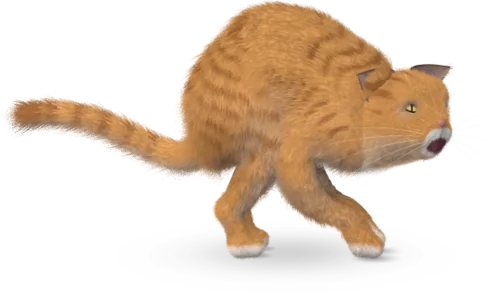
Stranger
Keeps to the edge of the screen and bolts if the cursor comes near.
- 2
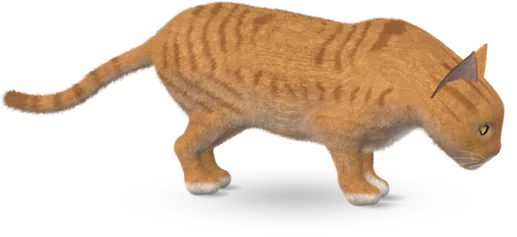
Visitor
Drops by for a few minutes. Move slowly and it'll let you touch it.
- 3
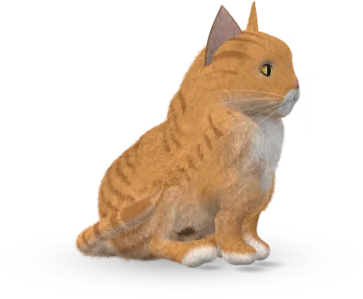
Regular
Explores your windows and stays a while. You can name it now.
- 4
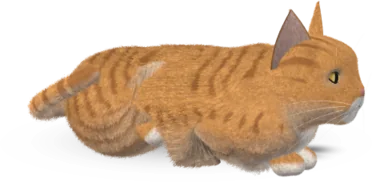
Friend
Comes to you, sits on the window you're using, lets you pick it up.
- 5
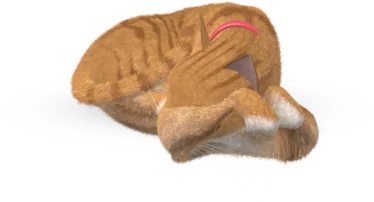
Shadow
Lives here now.
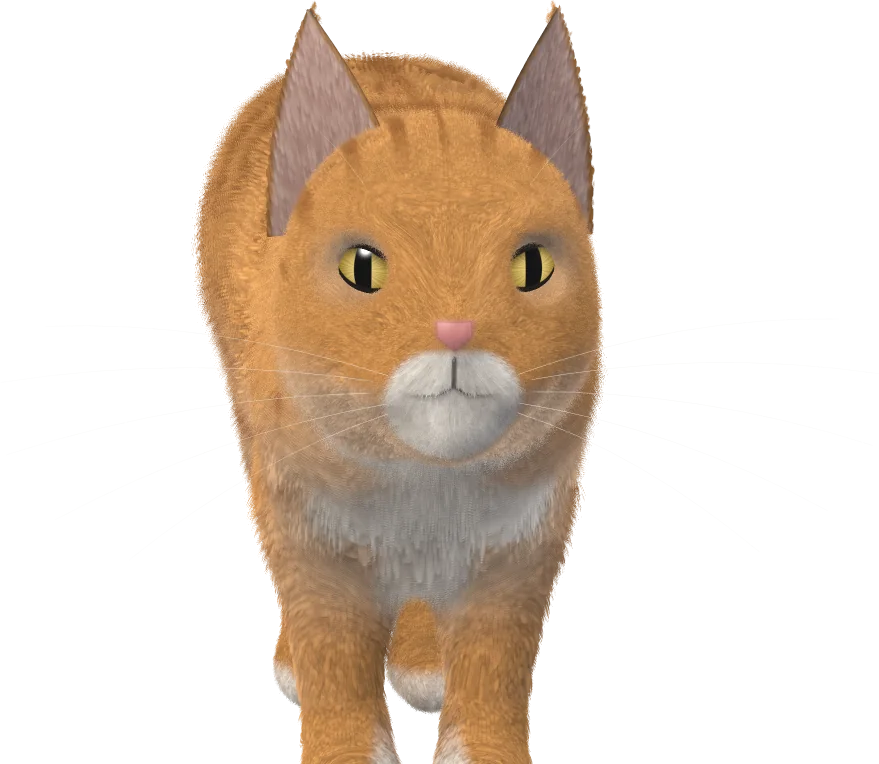
Made in code, down to the whiskers
When its ears go back, stop, and you'll get a slow blink. Keep going and you'll get a swat.
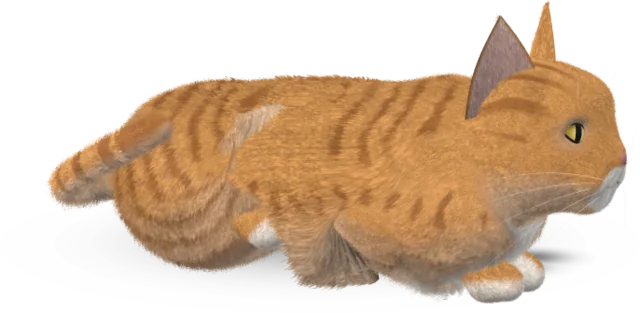
The cat is a 3D fur model drawn live on your Mac: up to eighteen layers of fur, banded hairs on the tabbies, and light catching round its outline. It walks the way cats walk, worked out from Muybridge's photographs, with every planted paw locked to the ground and a tail carried by its mood.
All of the art and the sound are made in code. There's nothing to download after the app itself.
No two alike
Whoever turns up is yours.
Every cat has its own affection, playfulness, boldness and voice. In Looks you can change its coat, eyes, fur, age and collar, or put it back how it turned up.
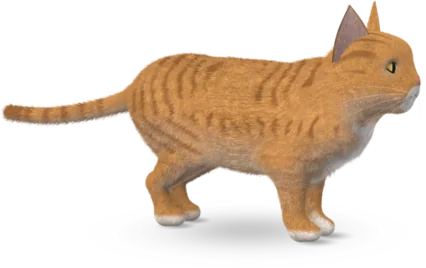
Ginger Tabby
Convinced that everything on your desk is food, or will be shortly.
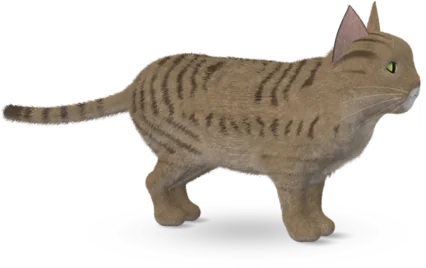
Brown Tabby
The original cat. Looks at your keyboard like it's prey.
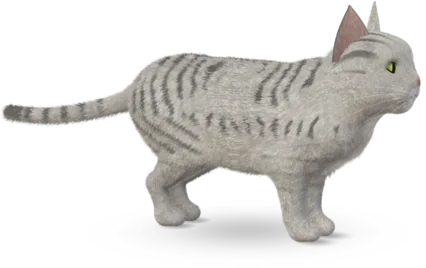
Silver Tabby
Elegant, aloof, and has knocked over everything you've ever loved.
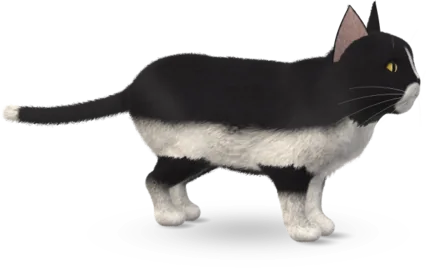
Tuxedo
Always dressed for the occasion. The occasion is dinner.
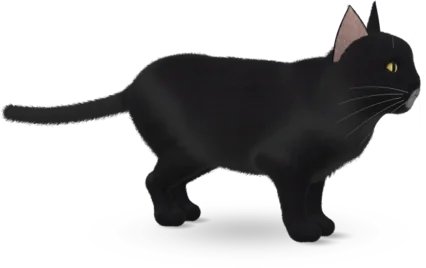
Midnight
Mostly a pair of eyes. Walks across your screen at the worst moment.
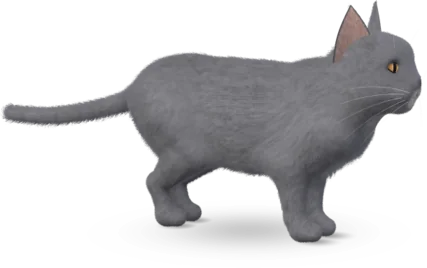
Blue Grey
Plush, quiet and smug. Has a permanent slight smile.
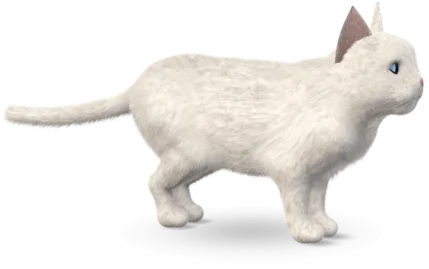
Snowball
Leaves a little of itself on everything you own.
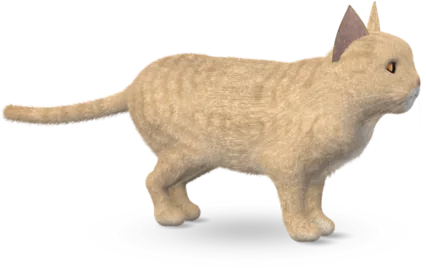
Cream
Soft as it looks. Knows it.
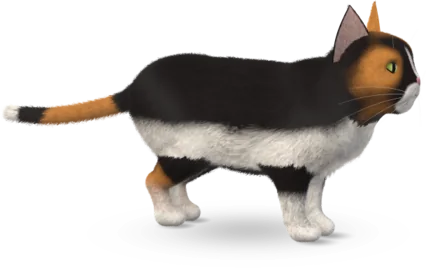
Calico
Three colours and strong opinions about all of them.
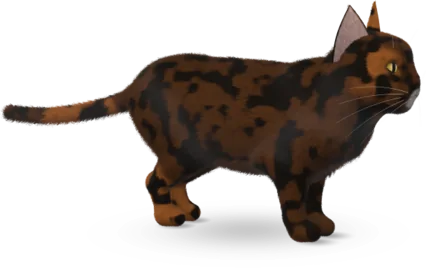
Tortoiseshell
Looks like spilled coffee. Has the attitude of spilled coffee.
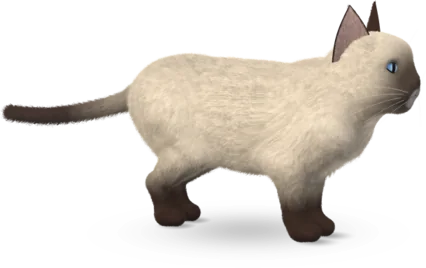
Siamese
Will tell you about it, at length, at 4am.
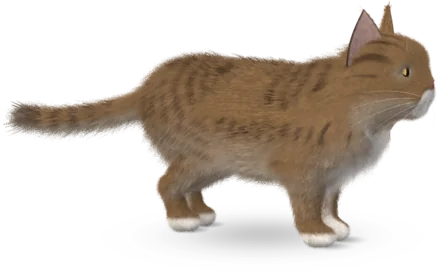
Maine Coon
Big, shaggy and gentle. Technically a small lion.
Privacy
Nothing leaves your Mac.
The app makes no network connections and asks for no permissions. The cat notices a few things so it can keep out of your way, and that's all.
| What the cat notices | How it knows |
|---|---|
| Where your windows are | Their outlines only. Titles and contents are never read. |
| Which app is in front | The app's identity, and nothing in it. |
| How fast you're typing | A count of key presses, never which keys. |
| Whether audio or your mic is on | Whether a device is running. Audio is never captured. |
| CPU load and battery | System counters. |
It goes quiet while your mic is in use. Settings can keep it out of screenshots and screen sharing, and with Reduce Motion on, it keeps still.
Bring it home
Then keep an eye on the bottom of your screen.
- Open the disk image and drag Desklings onto the Applications folder beside it.
- Open Desklings from Applications. It's signed and notarized by Apple, so it opens like any other app.
- Wait a few seconds. The cat turns up at the bottom edge of your screen. After that it lives in the menu bar, and you can close the window.
Desklings is a Mac app. Open this page on your Mac to bring the cat home.
- Requires
- macOS 14 Sonoma or later, on Apple silicon or Intel
- Signed
- Developer ID, notarized by Apple, ticket stapled
- SHA-256
3de3b66dff30a1027528725bccbe1125bcf7a21a52337f322ec55c08bfbeca0e- Uninstall
- Right-click the menu bar icon, choose Quit Desklings, then delete the app. Its save is in
~/Library/Application Support/Desklings.